Android Device Management
Control Your Home Remotely with an Android Phone
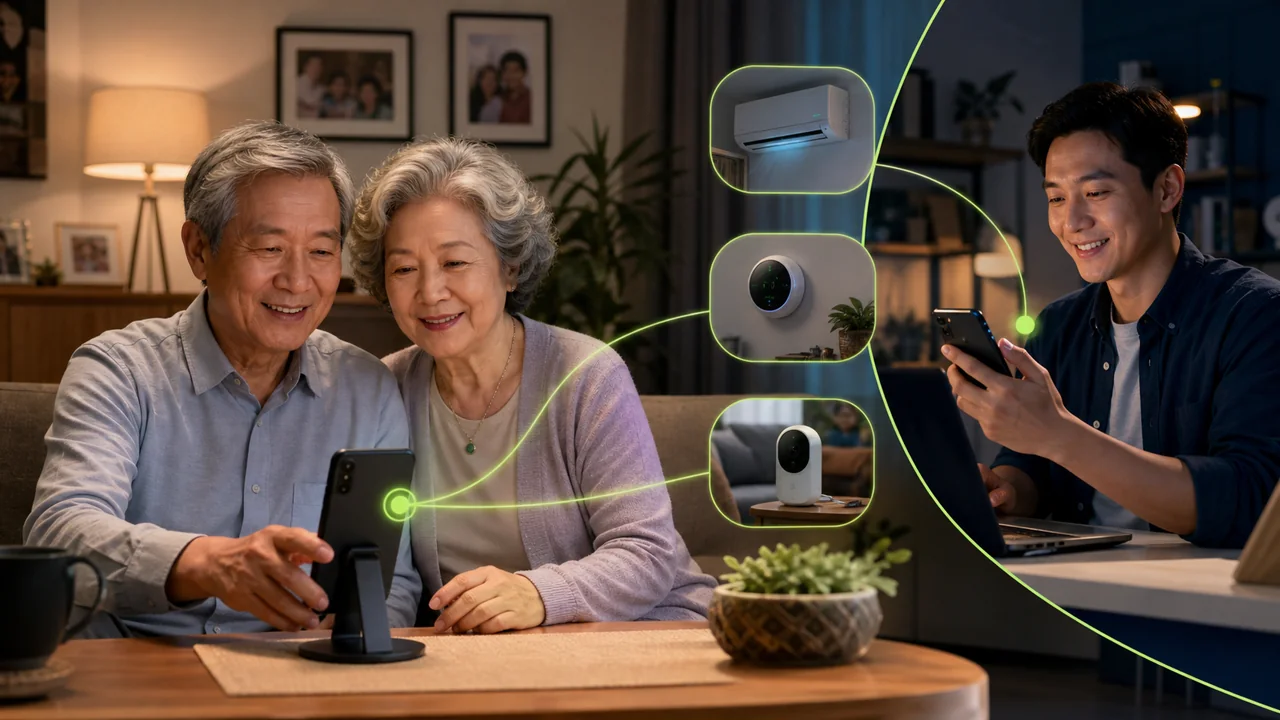
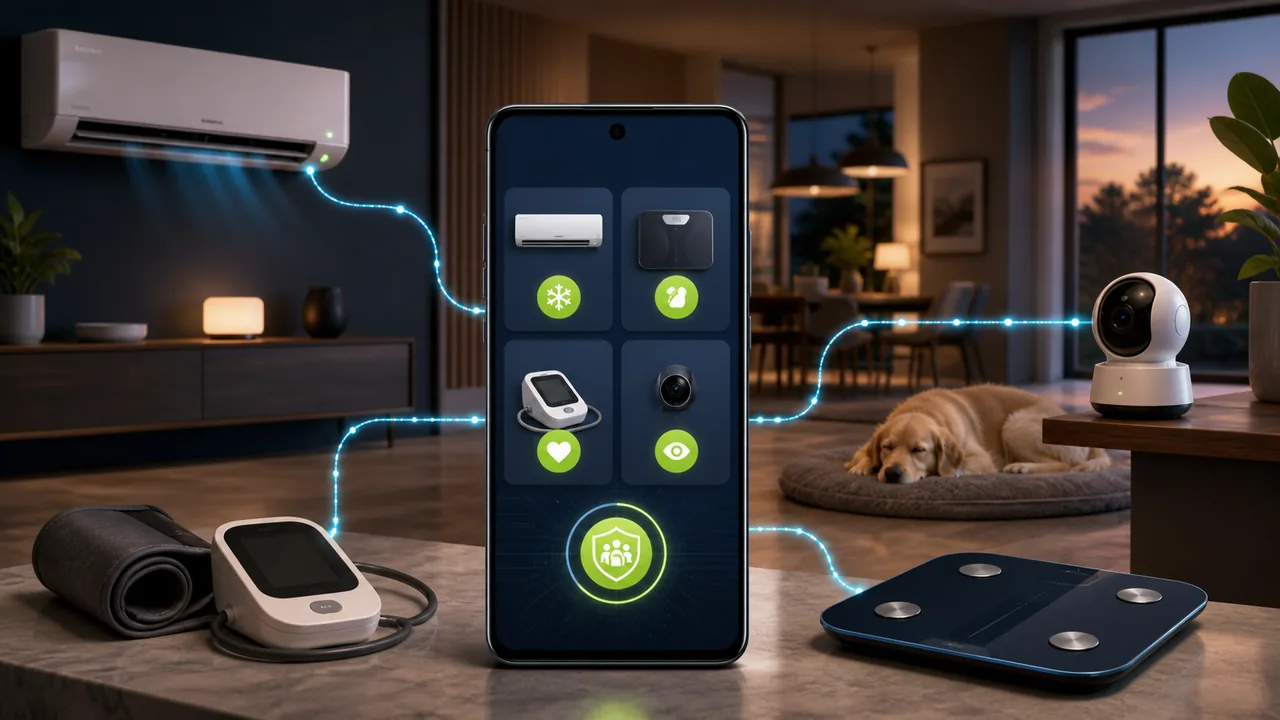
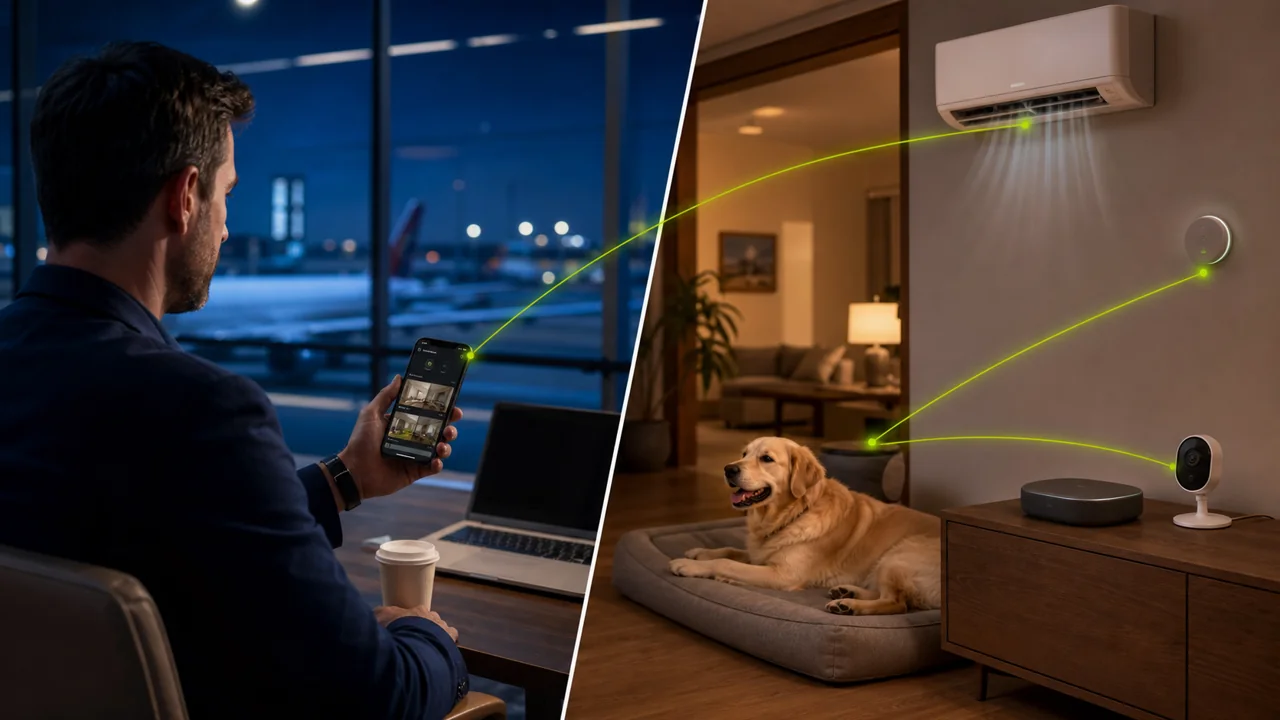
Use an authorized Android phone to check temperature and humidity, control an infrared air conditioner, and view a pet camera while traveling.
Latest articles: Android device management
Use an authorized Android phone to check temperature and humidity, control an infrared air conditioner, and view a pet camera while traveling.
Learn how to remotely operate smart home apps such as air conditioning, temperature/humidity, weight, and blood pressure from a family Android phone with your parents' explicit authorization, and understand the privacy boundaries.
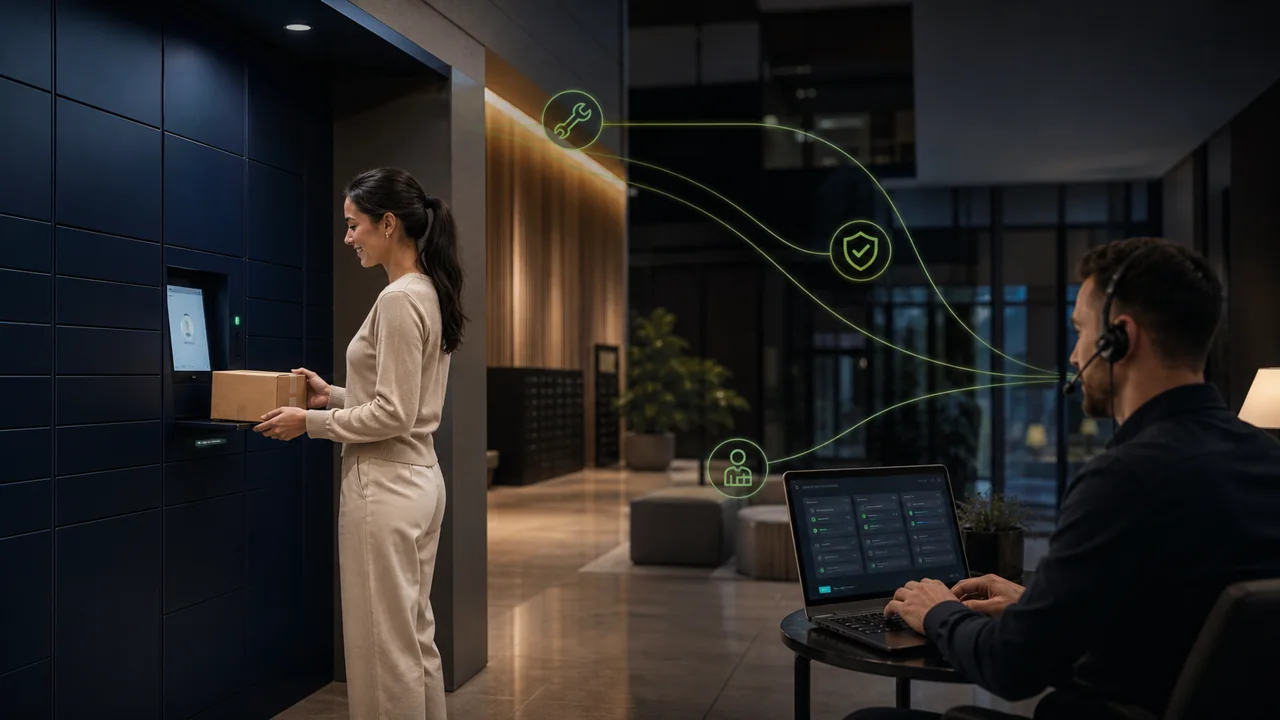
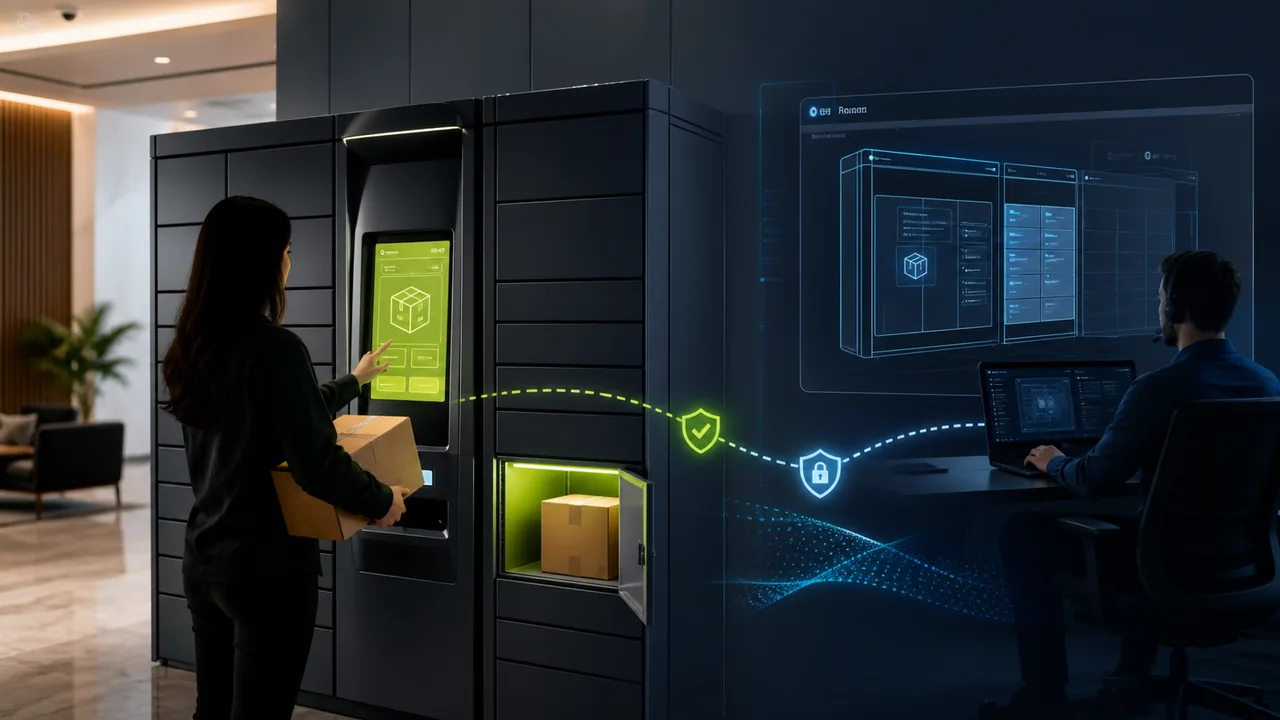
Calculate smart locker remote maintenance costs by engineer time, user interruption, customer service, on-site dispatch, and order loss, comparing physical screen takeover against background App operations.
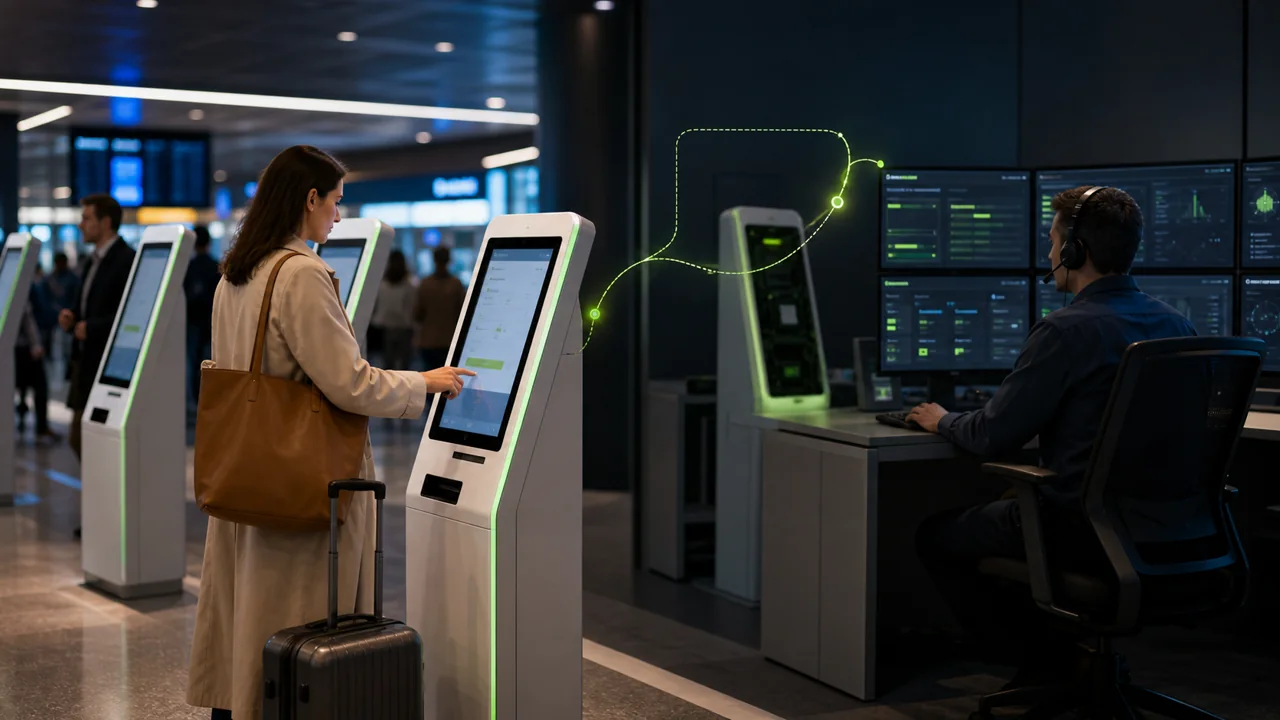
A remote maintenance checklist for Android Kiosk covering alarm confirmation, background troubleshooting, and recovery verification for smart parcel lockers, self-service machines, and digital signage, and explains when on-site intervention is required.
Compare TeamViewer, AnyDesk, AirDroid Business and Teralivo for authorized unattended Android access without approval for every session.
Compare mSpy and Teralivo on setup, persistent apps, location rules, remote control, pricing approach and accidental removal risk.
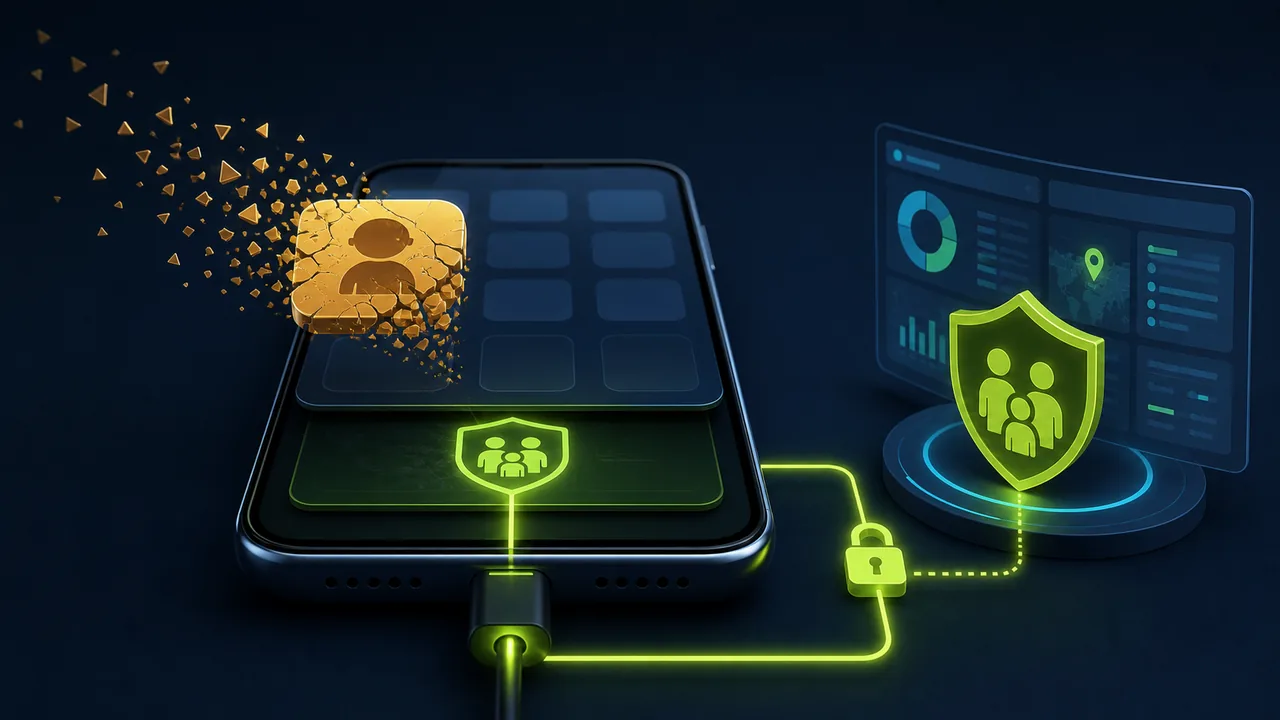
See what stops after mSpy, AirDroid Kids, or another parental-control app is removed, how to restore access, and how to avoid relying on a persistent child app.
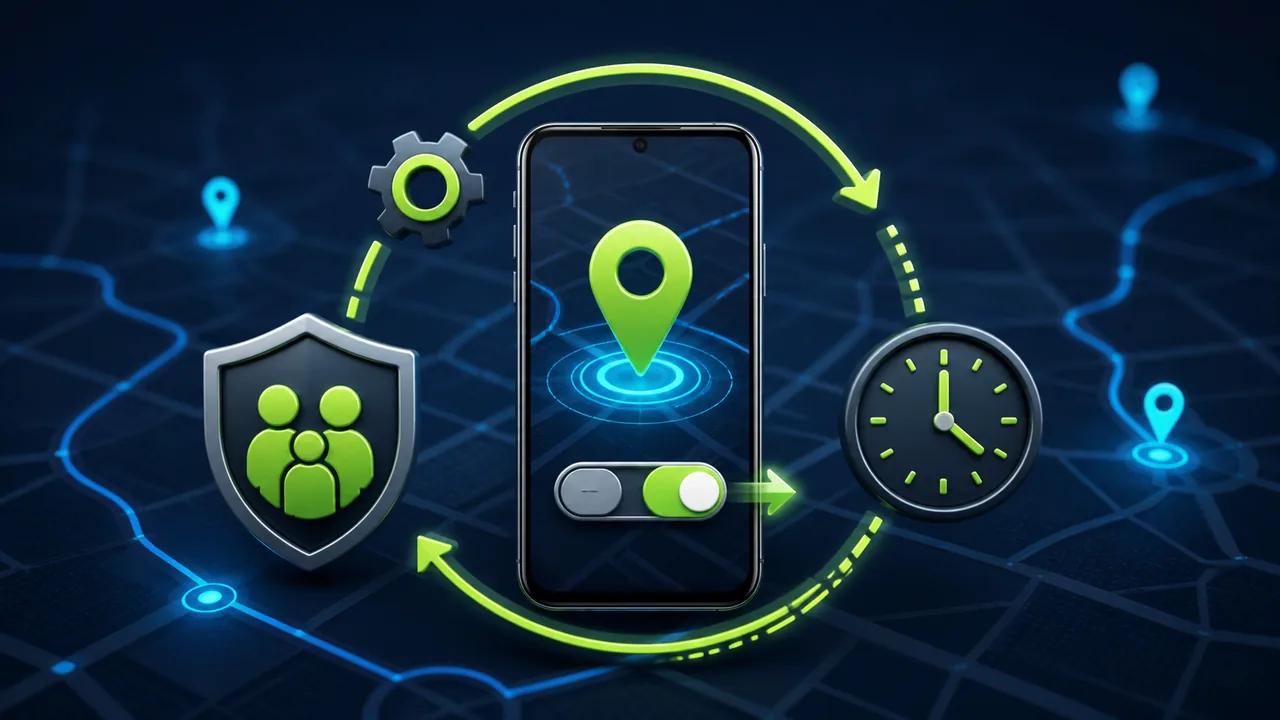
Learn why family location stops updating, how scheduled checks restore it, and how intervals reduce battery use on an authorized Android phone.
Compare AirDroid Business-style screen takeover with background app operations for parcel lockers, vending machines and kiosks, including interruption and support costs.
Learn how to turn an authorized Android phone into a smart home control center, remotely control air conditioners, view parents' weight and blood pressure data, access home cameras, and compare mSpy with regular remote control apps.
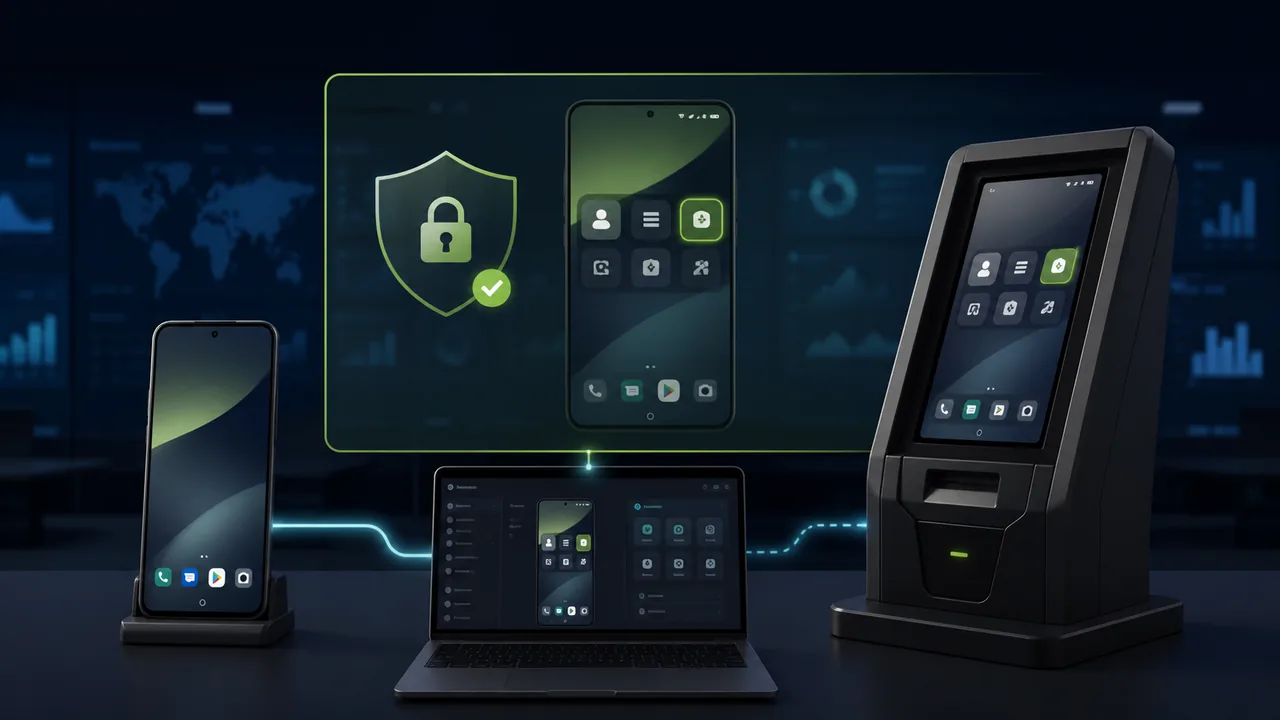
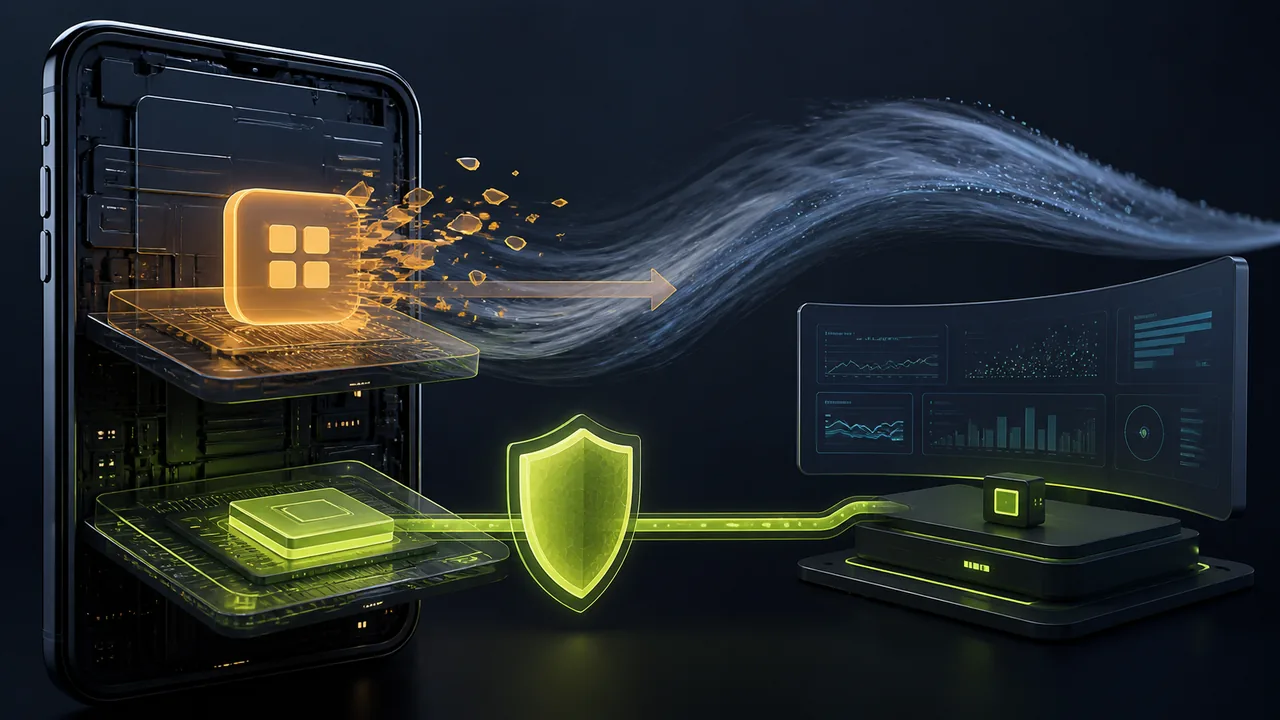
Explains why ordinary Android apps struggle to restart after being stopped by the system, and how Teralivo uses ADB to start a device service that runs continuously.