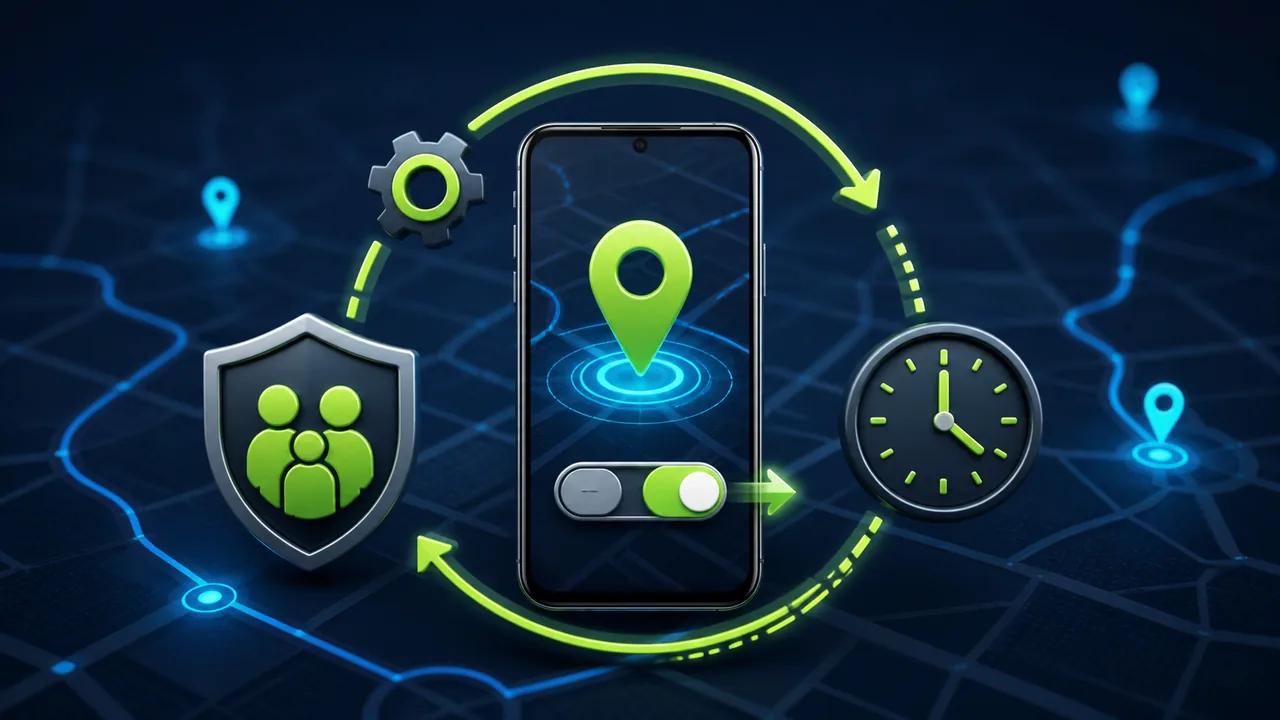
After school, the child is late getting home. The parent opens the location page but only sees records from a few hours ago. The phone is still online, and messages are received normally. Why is the location no longer updating? A common reason is that the master location switch on the Android device has been turned off.
Google's Android Help documentation clearly states that when device location is turned off, the phone will not share its location with ordinary apps, and location-dependent features may not work properly. Even if the parental control app is still running in the background and the network connection is normal, it cannot obtain new precise location out of thin air.
Therefore, truly reliable location management cannot only answer "how often to collect" but also address a more fundamental issue: after location is manually turned off, how to detect and restore it?
Why does Android location suddenly stop updating?
Android location recording involves multiple independent components, and a change in any one can keep the map stuck at an old location:
- Device location master switch: When off, ordinary apps cannot obtain device location;
- App location permission: Can be individually allowed, denied, or only approximate location provided;
- Location accuracy: Wi-Fi, mobile networks, GPS, and sensors together affect location speed and accuracy;
- Background running state: If the app is restricted or stopped by the system, it may not collect on schedule;
- Network connectivity: Already obtained locations still need the network to upload to the management page;
- Battery and device state: Low battery mode or prolonged offline periods can lengthen recording intervals.
Many families only check the app's location permission but ignore the "Location" toggle in the quick settings at the top of the device. The permission still showing as allowed does not mean the device's master location switch is still on.
What happens to ordinary parental control apps when location is turned off?
Ordinary parental control apps read coordinates through Android's location APIs. When the system master location switch is off, these APIs no longer provide normal location results. The app can show a reminder or report "location unavailable," but whether it can directly restore system location depends on the device management capabilities it has been granted and the specific deployment method.
mSpy's official Android installation guide, even after installation, requires the installer to manually turn on Location/GPS from the phone's drop-down menu. Google Family Link's official help also states that to find your child's device, location sharing and device location settings must be enabled; when troubleshooting an inability to locate the device, Google suggests turning both settings back on.
This shows that "having a location feature" and "location always available" are two different issues. As long as the final step relies on the device user manually turning on location, parents may face the situation where the map stops updating and they cannot immediately handle the phone.
What is location auto-restore?
Location auto-restore means that after a managed phone completes explicit authorization and device binding, the management policy continuously checks the device's location status. If the master location switch is manually turned off, the system can re-enable location according to the preconfigured rules, so that subsequent location collection continues.
Some people call this capability "silently turning on location," but a more accurate description is automatically restoring location service according to guardianship policy. It does not bypass initial authorization, nor does it allow anyone to enter a number and start tracking a phone. The device must first be unlocked by the guardian or owner and authorized via USB.
Auto-restore solves the continuity problem after the master location switch is accidentally touched or actively turned off, not a guarantee of precise coordinates every second.
How does Teralivo keep location records continuous?
Teralivo does not rely on an ordinary parental control app installed long-term on the managed phone. After the device owner or guardian completes USB authorization on site, the following location policies can be established:
- Custom location collection interval;
- Set one or more time windows each day during which location collection is allowed;
- Check whether the device's location service is turned off;
- Automatically re-enable location according to preset policy after location is turned off;
- View the location and time reported by the device on the map;
- View device online status and last valid record.
When the phone user turns off location from quick settings or system settings, Teralivo can detect the state change in the background and restore location, without waiting for the other person to go back into settings to confirm. After restore, the system still collects at the time windows and intervals set by the parent, rather than performing high-frequency all-day location tracking unconditionally.
Auto-restore is not the same as high-frequency tracking
Whether the master location switch is on determines whether the phone can provide location; the collection interval and valid time windows determine when location is read and uploaded. Managing the two separately allows you to balance safety, battery life, and privacy.
For example, a parent can set:
- Every 5 minutes during the commute to and from school;
- Reduce frequency or pause collection during normal class hours;
- Stop routine location recording after arriving home in the evening;
- Use different valid time windows on weekends;
- Auto-restore when location is turned off, while still following the above collection schedule.
Shorter collection intervals generally produce more detailed location tracks, but also increase location, network, and battery consumption. There is no need to keep the highest frequency all day just for the word "real-time." For most families, setting reasonable intervals for commuting, after-school, and going-out periods is more practical than continuous all-day collection.
How is it different from mSpy, Family Link, and ordinary location apps?
| Comparison item | mSpy-like location app | Google Family Link | Ordinary location sharing app | Teralivo |
|---|---|---|---|---|
| Main dependency | Managed-side software and location permission | Supervised account, location sharing, and device location | Both parties' apps, account, and location permission | Device management policy after one-time USB authorization |
| After master location switch is turned off | New location may stop updating | Requires relevant location settings to be turned on | New location usually stops updating | Can auto-restore location according to preset policy |
| Custom collection interval | Depends on version and plan | Not primarily a fine-grained collection interval feature | Depends on product | Customizable |
| Specified collection time windows | Depends on product | Mainly provides device location and place alerts | Depends on product | Supports multiple time windows |
| Depends on long-term installation of an ordinary managed-side app | Yes | Mainly relies on Google account and system services | Yes | No |
| Remote assistance to operate the phone | Usually not focused on full interactive control | Does not target full remote operation | Usually not supported | Supports remote assistance for authorized devices |
Different versions and phone models may vary. The table is used to explain public features and deployment concepts, and should not be read as absolute guarantees for all devices.
What factors can still affect location updates?
Auto-restore solves the problem of the master location switch being turned off. The following factors can still temporarily keep the map without new records:
- The device has no mobile network and is not connected to Wi-Fi;
- Satellite signals are weak in underground parking lots, tunnels, or large buildings;
- The phone is in airplane mode or data upload is restricted by the network;
Therefore, the management page should display last location, collection time, and device online status at the same time. When you see an old coordinate, you should not mistake it for the device still being there right now.
Recommended family location settings
You can complete the initial setup in the following order:
- Explain to your child the purpose, timing, and viewers of location records;
- Unlock the phone on site and complete USB authorization binding;
- Confirm device location and location accuracy settings;
- Set school, after-school, and going-out windows;
- Choose a collection interval based on actual battery life;
- Enable location status checking and auto-restore;
- Manually turn off location once to confirm the system can restore and report again;
- Test that notifications are clear in cases of network disconnection, reboot, and low battery;
- Periodically review who has console access.
When testing, use a virtual location or a safe route that does not involve your home address, and blur device names, latitude/longitude, dates, and specific map locations in demo screenshots.
Boundaries of using location auto-restore
Automatically re-enabling location is a device management capability with strong permissions. It should only be used for managed devices of minor children under guardianship in accordance with the law, your own devices, or family devices explicitly authorized by the device owner. Being able to restore in the background does not mean you can omit initial disclosure and continuous family communication.
You should not use this feature to secretly track a partner, employee, or other adult, nor keep full location history indefinitely. It is recommended to keep data only for the shortest time needed to achieve family safety purposes, and use a separate strong password and multi-factor authentication for management accounts. Different countries and regions have different regulations on children's location data, guardian authority, and disclosure requirements. Confirm local laws and platform rules before use.
Conclusion
After a child turns off location on an Android phone, an ordinary parental control app may be online but still unable to obtain new precise location. Merely having a "view location" feature is not enough to keep records continuous. You also need to check the device location status, handle restoration after it is turned off, and set collection time and frequency appropriately.
After completing a one-time USB authorization binding, Teralivo can detect and automatically restore location according to the guardian's preset policies, while supporting custom collection intervals and daily valid time windows. Its focus is not all-day high-frequency tracking, but reducing the problem of location being accidentally turned off and left unattended for a long time, within a clearly authorized and rule-based scope.