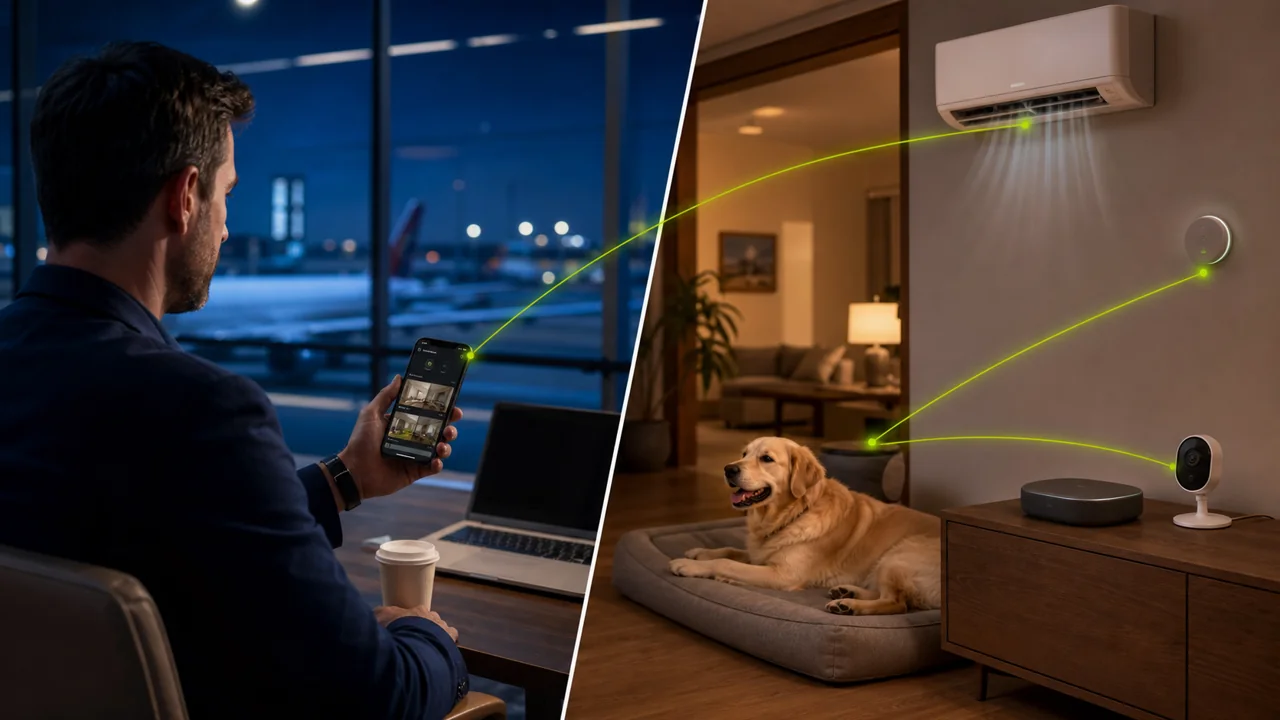
It’s common to realize after leaving for a trip that the air conditioner might still be on, or to worry about a pet being home alone or the indoor temperature getting too high.
Smart home vendors usually offer remote control, but a household may use multiple brands at once: temperature/humidity sensors, AC remote controls, water purifiers, cameras, and plugs are scattered across different apps. If an app logs you out or requires local Bluetooth sync, relying only on the vendor’s cloud entry point is no longer enough.
You can leave an idle but still supported Android phone at home, sign in to the necessary home device apps, and bind it to Teralivo with the device owner’s explicit authorization. Once you’re away, you can connect to that home phone through a browser and operate compatible apps as if you were at home. The key is not to automate every household task, but to have a reliable remote entry point for a few high-value scenarios.
Complete four preparations before leaving
First, choose a phone with a healthy battery that can receive continuous power, turn off unnecessary power-hungry features, and avoid placing the device near high heat or flammable materials. Second, use stable home Wi-Fi and confirm that the phone automatically reconnects after a router restart. Third, set up a separate account for the home control phone; don’t keep payments, work email, or private chats on it. Fourth, perform a real remote test from an external network before leaving home.
When testing, don’t just confirm the phone is online. Open the temperature/humidity app, the AC remote, and the camera separately, and verify that data refreshes, buttons operate, and the camera view can be closed. Prepare a fallback for every critical function—for example, asking a neighbor for help, contacting property management, or using the official remote entry point for the dedicated device.
Check temperature and humidity: first verify the data is fresh
A remote page showing 25 degrees Celsius doesn’t necessarily mean the current temperature. First check the last update time, sensor online status, and battery level. If the sensor only syncs with the phone over Bluetooth, also confirm the home phone is within range of the sensor and that the target app can read data in its current state.
Continuous trends are usually more meaningful than a single reading. If the temperature keeps rising or humidity suddenly becomes abnormal, judge based on the weather, door/window status, and other sensors. Teralivo helps you operate apps, but it cannot guarantee that the sensor itself is accurate, nor can it replace professional safety alarm devices for smoke, gas, or water leaks.
Control the air conditioner: an infrared phone can also become a remote control
Some Android phones have a built-in infrared emitter and can control traditional AC units with a remote control app. As long as the home phone is placed where it can point at the AC, a remote user can open the remote app, choose a room, mode, and temperature. Internet-connected AC units can be operated directly through the vendor’s app.
After sending a power-on or power-off command, it’s best to cross-check using room temperature changes, smart plug power usage, or the AC app’s device status. Infrared remote control is usually one-way; the button state on the page may only be the app’s record and doesn’t prove the AC actually received the command.
Temporarily check on pets: the phone camera is not a permanent security replacement
With family members informed and the camera pointed only at common areas, you can temporarily turn on the phone camera to see whether the pet is okay, whether the water dispenser has tipped over, or whether anything looks obviously wrong in the room. After use, close the camera and don’t keep the session active for a long time.
Android provides privacy indicators when the camera or microphone is in use and allows users to revoke access through system privacy controls. For long-term care, a dedicated pet camera that offers encryption, access logs, firmware updates, and a clear recording policy is more suitable. The advantage of the home phone approach is that it’s temporary and flexible; it shouldn’t be promoted as a completely inconspicuous long-term recording tool.
Why unattended connection matters
Ordinary remote assistance often requires the phone to accept the connection. If no one is home, the request won’t be accepted; if only a notification is pushed, the system is not guaranteed to start a stopped control app. After an authorized binding, Teralivo can initiate unattended remote operations on a device that is still online, without requiring someone on-site to confirm every time.
But unattended doesn’t mean always online. Power outages, complete network loss, router failure, phone damage, or incompatible target apps can all cause remote operations to fail. Pre-trip testing and backup contacts are still necessary.
Security checklist for home remote management
| Risk | Recommended action |
|---|---|
| Account leak | Use a separate account and a strong password |
| Camera misuse | Only point at common areas and agree on when it can be used |
| Stale data | Check the last update time, not just the value |
| Command not executed | Cross-check with status or sensors |
| Network outage | Have backup contacts such as neighbors, property management, or family |
| Device overheating | Use a reliable power supply and keep it ventilated |
Limit the scenarios to a few truly valuable tasks
Home remote control is not about having as many features as possible. Temperature/humidity, AC, water purifier status, and temporary pet viewing are usually more valuable than browsing all personal apps remotely, and they make it easier to set clear privacy boundaries. Choose a few scenarios, verify each one, and keep backup plans; only then can you truly reduce anxiety while traveling.